Install Rust and Print Hello world#
Install Rust#
Download and run the installation program from the official Rust website.
The installation process is simple.
- Rust download :
https://www.rust-lang.org/tools/install
Hello world#
Let’s create a program that prints a simple message.
I create a file named code1.rs in the path D:\works\rust\practice1, and write the following code.
fn main() {
    println!("Hello, semonan.com");
}- Rust starts with
main(). - Functions are created using the
fnkeyword. - Messages can be printed using
println!("~~~");. - The
!inprintln!()indicates that a Rust Macro is being invoked. - Rust uses 4 spaces instead of a tab, so there are 4 spaces before
println!(). - A line of code like
println!("~~~");ends with;. (There are cases where it does not end with;syntactically, so use it appropriately depending on the situation.)
Let’s compile the source code.
The compiler for Rust is rustc.
To compile, type the command rustc code1.rs in the directory where the source code file is located.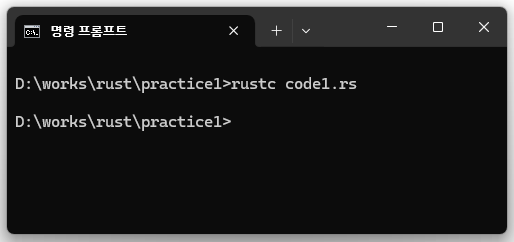
Once the compilation is complete, code1.exe will be generated.
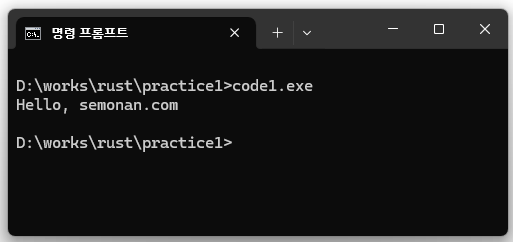
Run code1.exe to check if it works as intended.